 Flunexo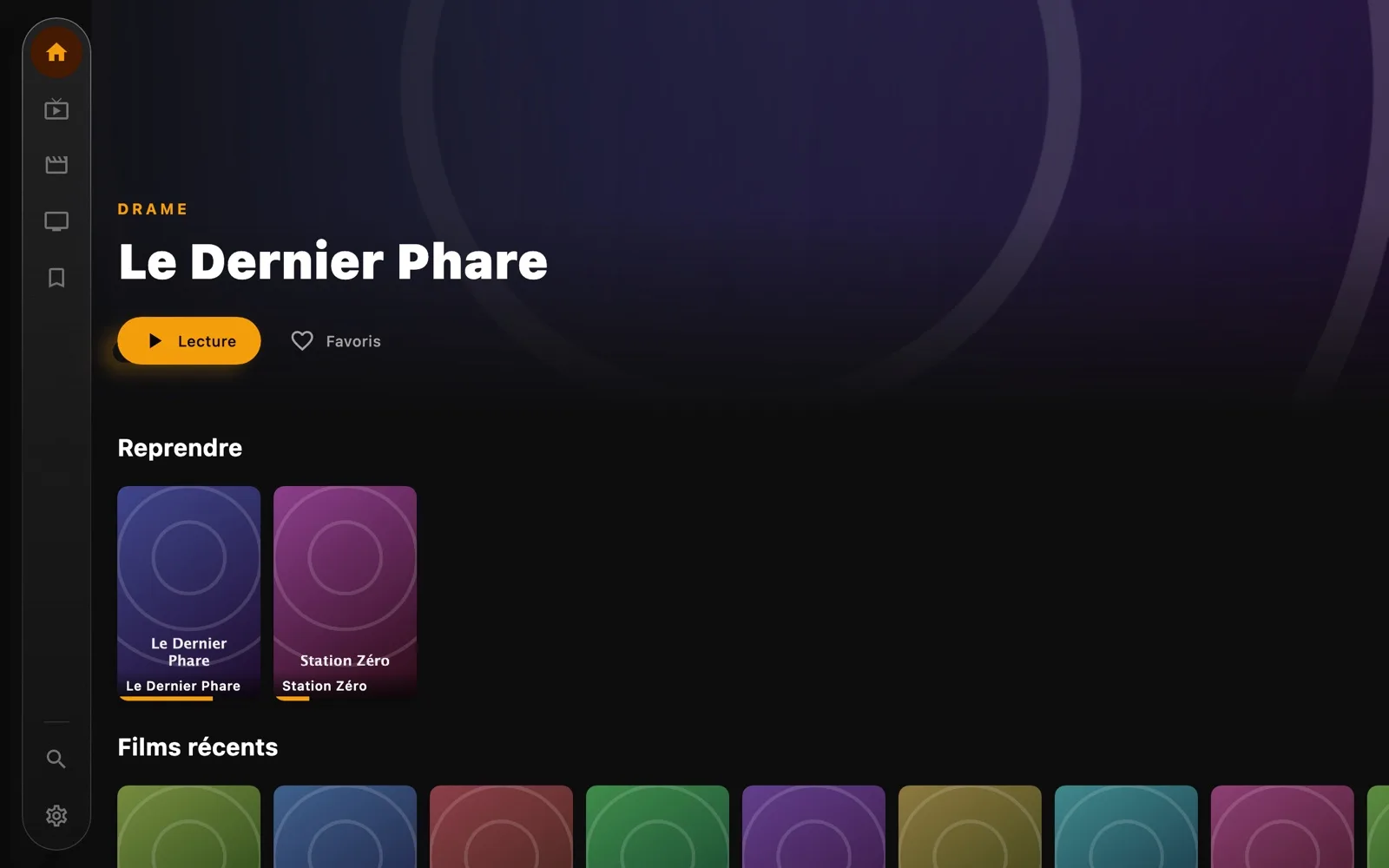
IPTV player for TV and computer
All your TV.One player.
Android TV, tablet, phone, Mac and PC. Free.
First press
One click.It all lights up.
Add your playlist once: movies, series and live channels appear, sorted, with their posters.
Home. Where it all starts.
- Made for the remoteEverything works with the arrows and OK, no keyboard or mouse needed.
- My listOne press on the heart keeps a movie or a series for later.
- Resume to the secondWhat you were watching waits for you at the top of home.
- Sorted for youRecent movies and series, then by genre, with their posters.
Movies and series. Shown your way.
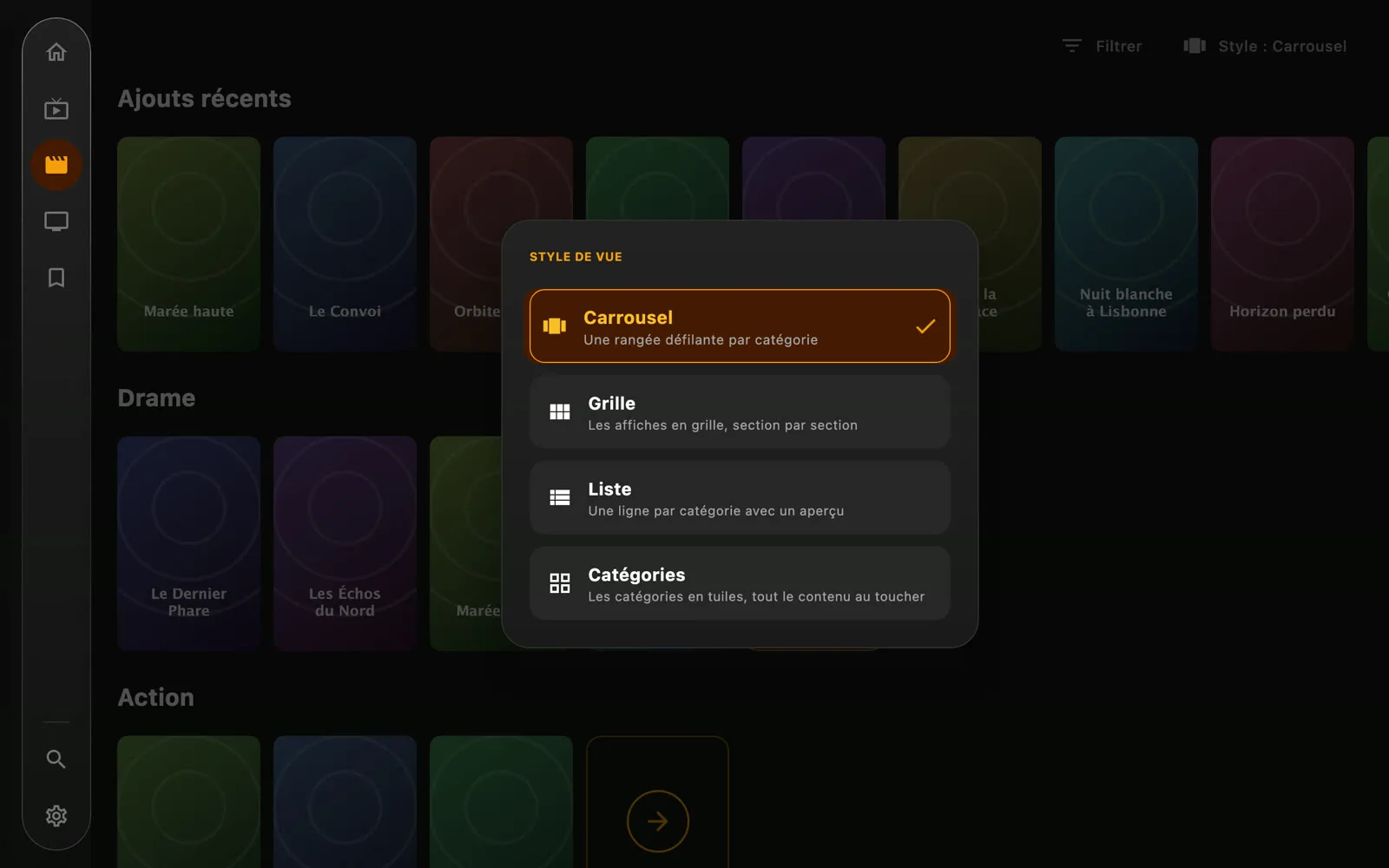
- FilterChoose which categories show, and in what order.
- Two tabs, same settingsMovies and series are browsed and set up the same way.
- Four view stylesCarousel, grid, list or category tiles: choose how to browse the catalogue.
Your categories. In your order.
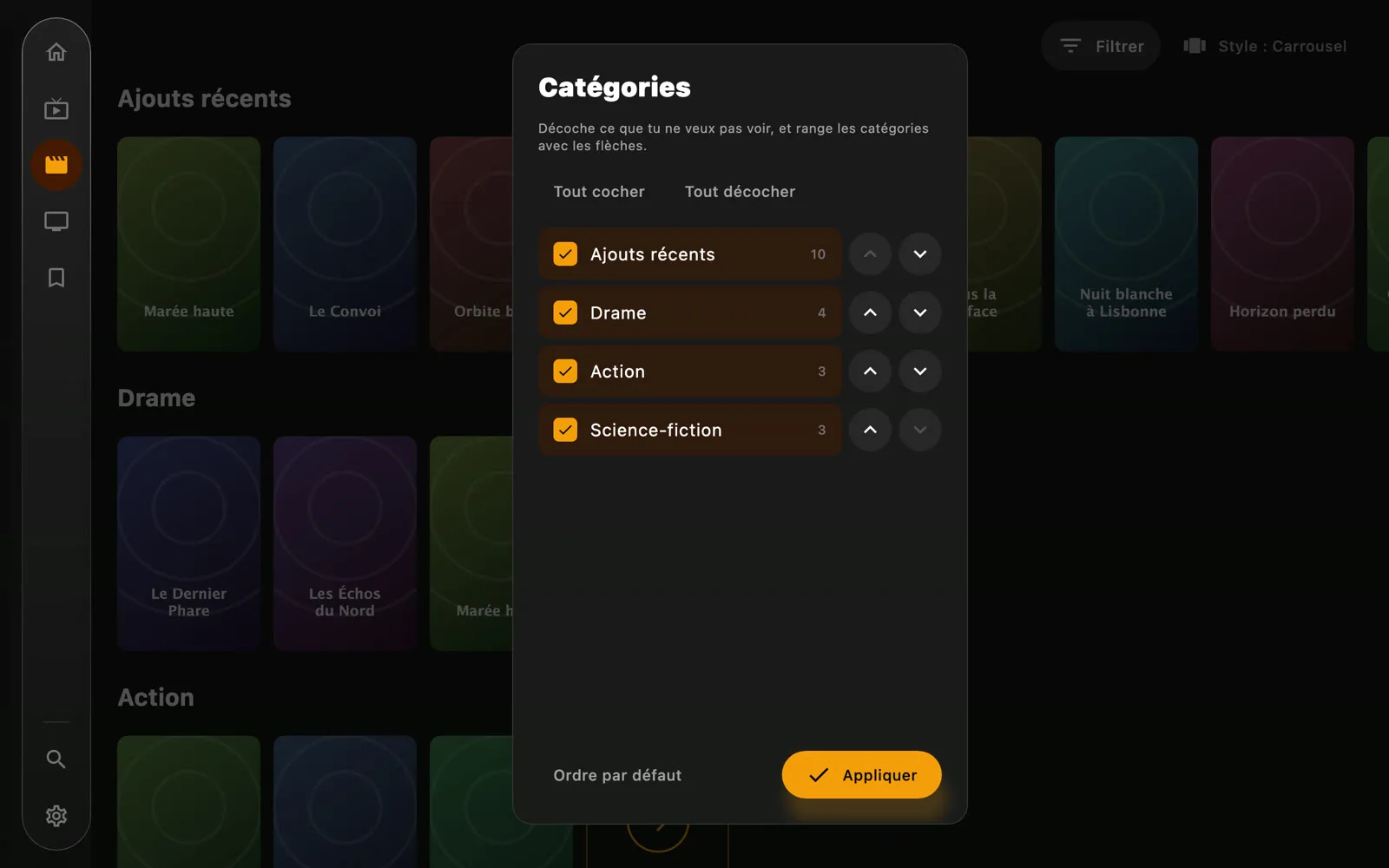
- Tick, untickHide the categories you don't care about.
- Sorted your wayMove a category up or down with the arrows; the tab follows that order.
- Back in one press“Default order” brings the original order back.
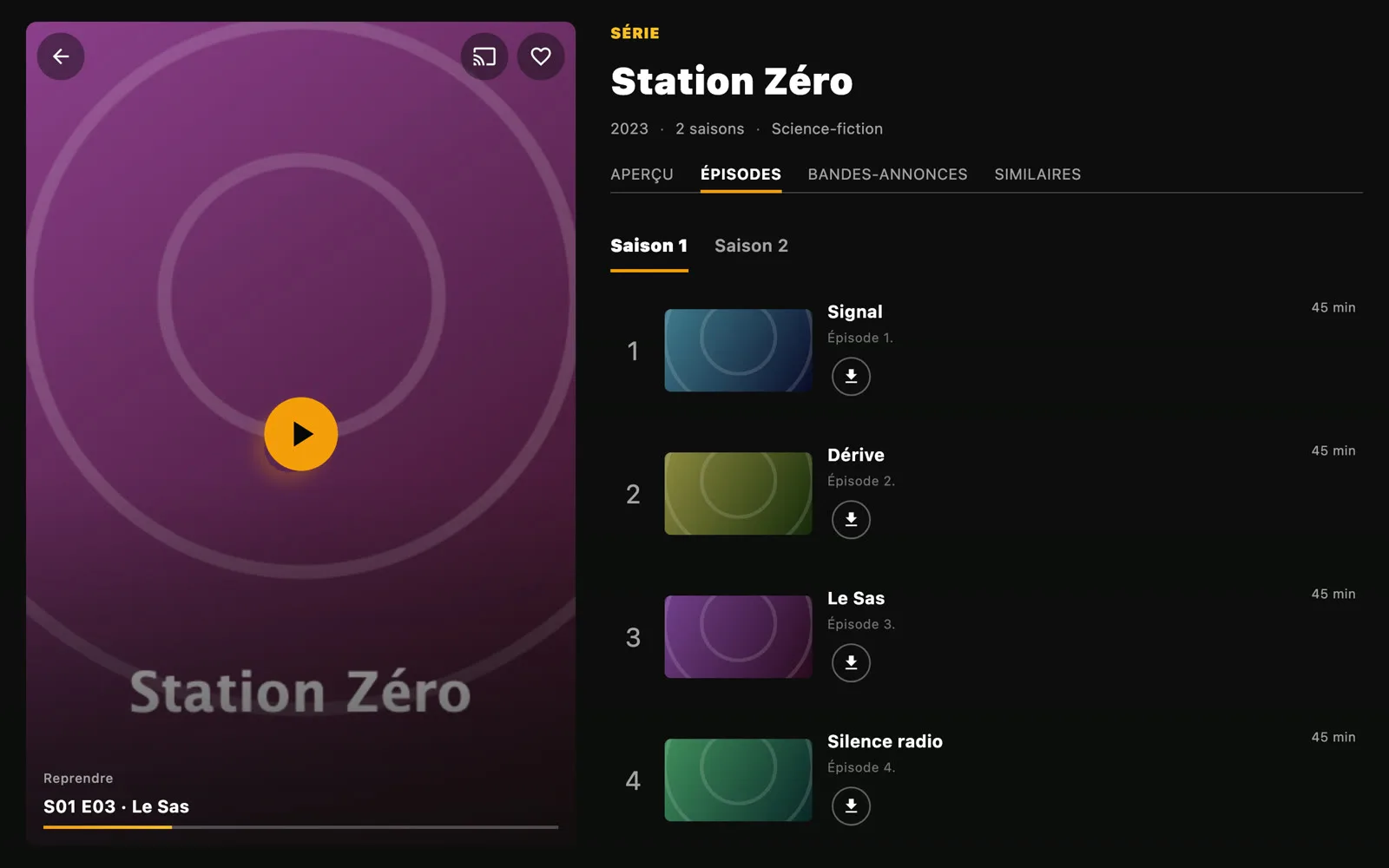
Details. No searching.
- ChromecastFrom your phone or tablet, send the movie or episode to the TV.
- Full detailsSynopsis, cast, trailers and similar titles, for a movie as for a series.
- OfflineDownload a movie or an episode to watch it without a connection.
- Right where you left offA movie resumes to the second, a series at the right episode, and the next one starts on its own.
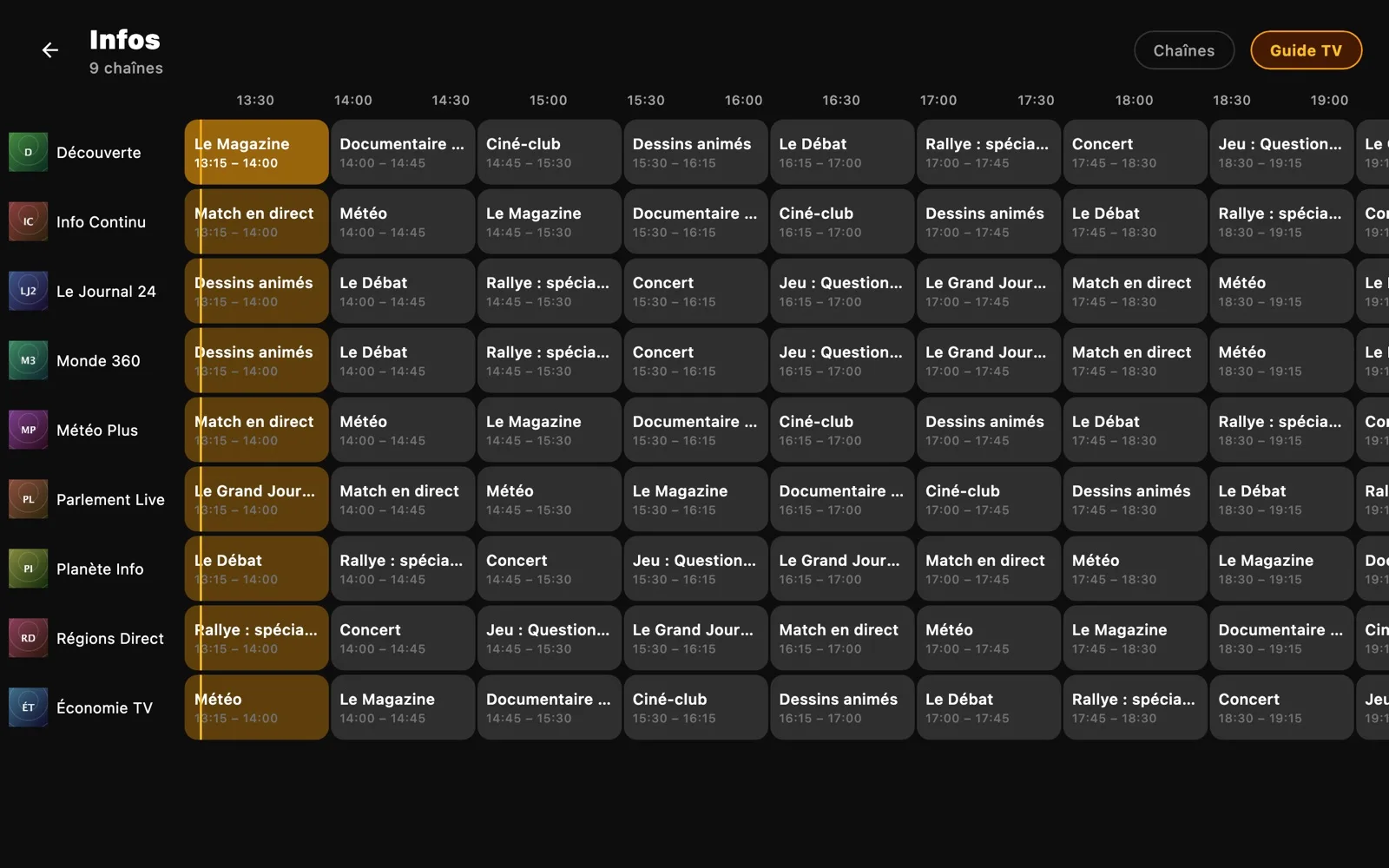
Live TV. With its guide.
- Programme guideThe day's schedule, channel by channel.
- ZappingUp and down to change channel, just like a real TV.
- Channels by categoryAll your provider's channels, sorted and easy to find.
- On nowThe amber line marks the time: what's on, and what's next.
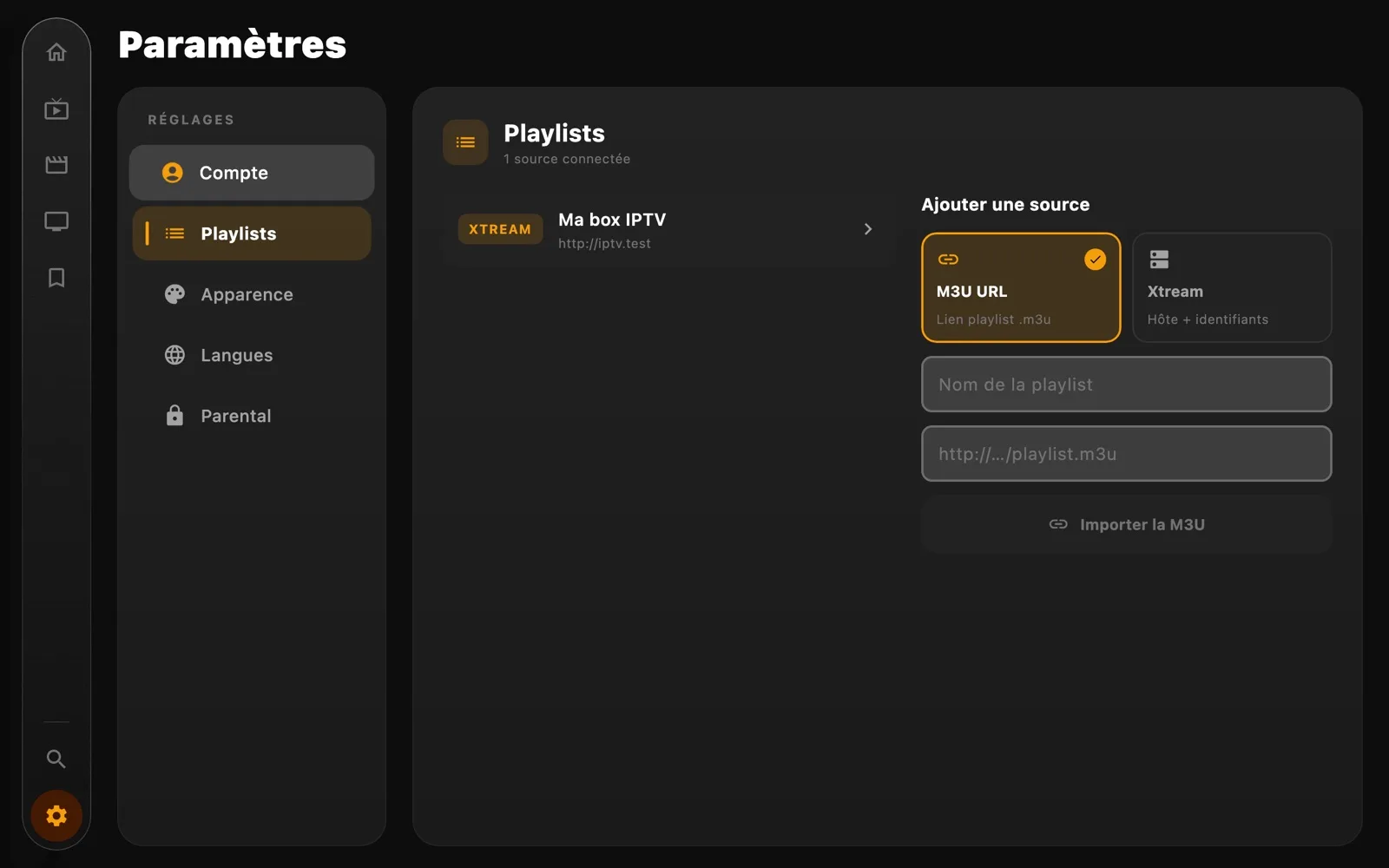
Your playlists. In two minutes.
- Several sourcesXtream Codes accounts and M3U playlists, as many as you like.
- Added in a momentPaste your playlist's link or your Xtream details.
- Parental controlA four-digit code locks the categories you choose.
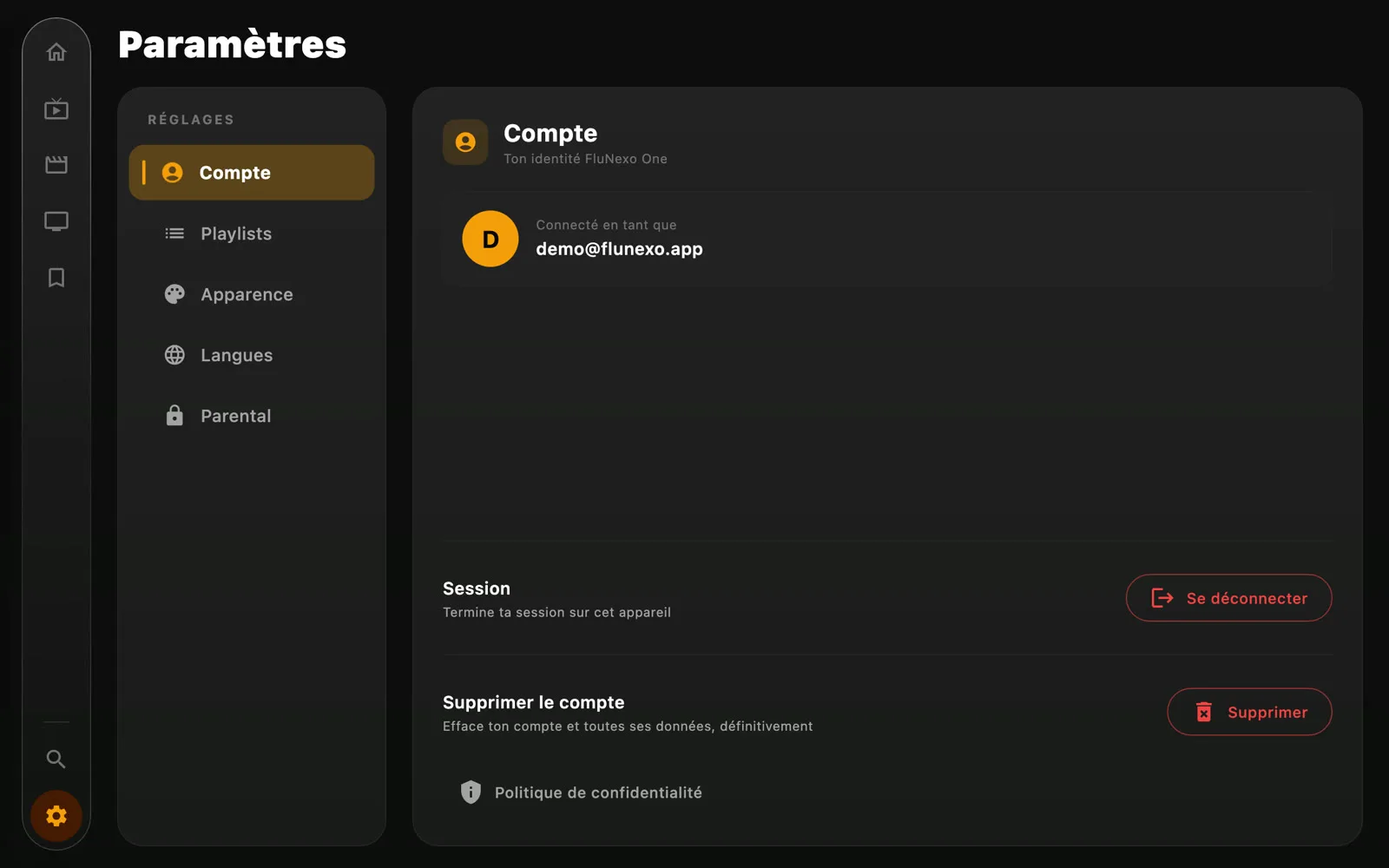
Your account. Up to date everywhere.
- On every screenAdd a favourite on your phone: it's already on the tablet and the TV.
- One accountThe same address on the TV, tablet, phone and computer.
- Everything savedFavourites, history and playlists are saved to your account, nothing to set up again.
- Your data, your callDelete your account and all its data whenever you like.
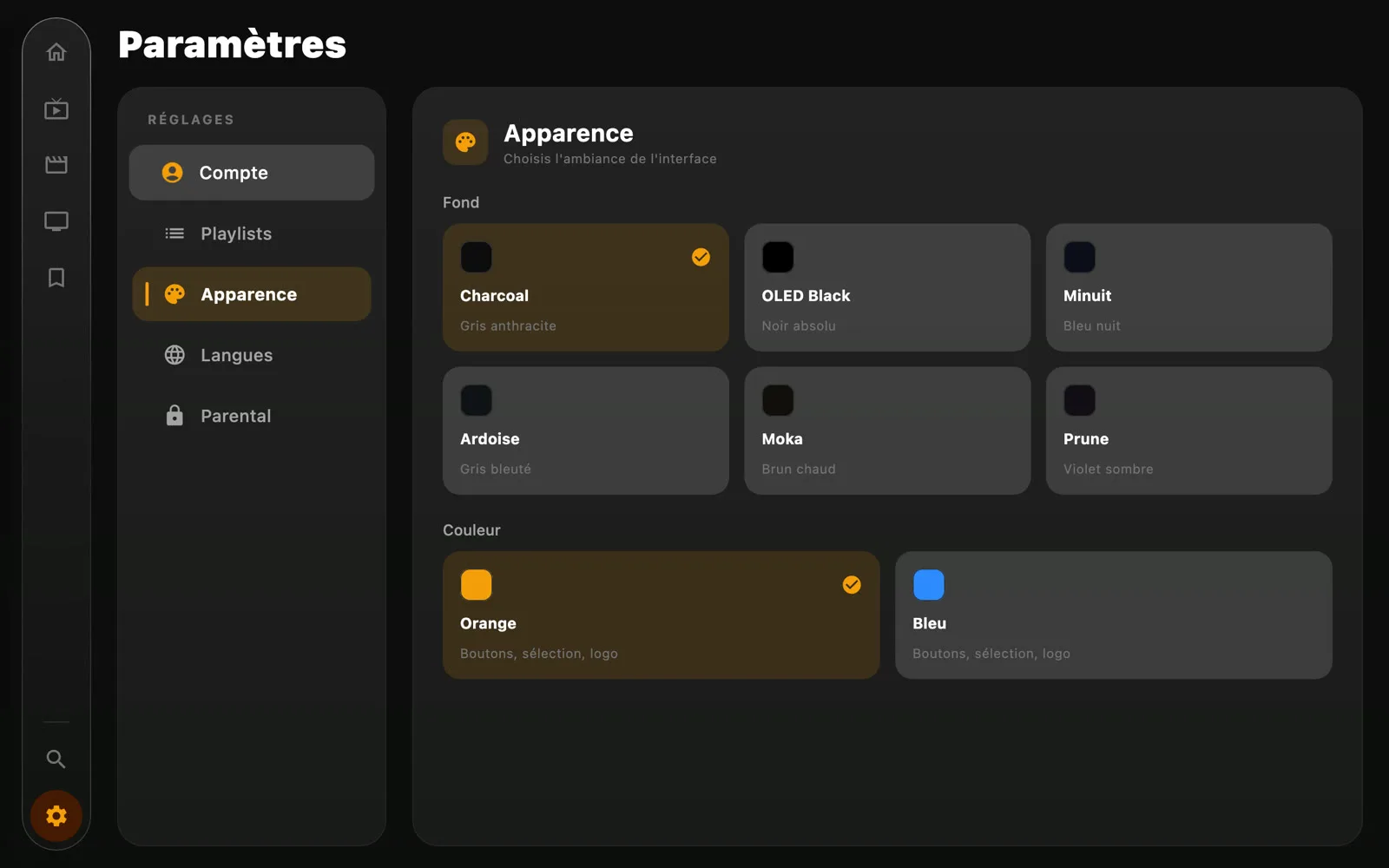
Display. Your way.
One layout per device.Press Play.
The interface fits each device and the way you hold it: the same app, made for the remote, the mouse or your finger. Free, with no subscription and no ads.
A player, not a provider. Flunexo does not provide, host or sell any channel, movie or series. It only plays the playlists and accounts you add yourself, and you must hold the rights to that content.
Frequently asked questions
What is an M3U playlist?
A file, or a link, that gives the address of every channel, movie or series of an IPTV subscription. Your provider gives it to you; you paste it into Flunexo, which plays it and sorts everything.
Where do I find my Xtream Codes details?
They come from your IPTV provider: a server address, a username and a password. Flunexo neither sells nor provides them.
Is it legal?
The app is a player, like a video player: it provides no content. What matters is what you add to it: you must hold the rights to the playlists and accounts you use.
Is it really free?
Yes: no subscription, no ads, no in-app purchases.
Do I need an account?
No. An account only brings your favourites, history and playlists to all your devices.
On which devices?
Android TV, Android tablets and phones from Android 7, Apple Silicon and Intel Macs, and Windows 10 and later.